
Streamline Kit Building and Assembly with Intelligent Automation
Transform complex assembly operations into efficient, error-free workflows. Logimax delivers real-time visibility and control over every component, every kit, every time.
Manual Kit Assembly Slows You Down
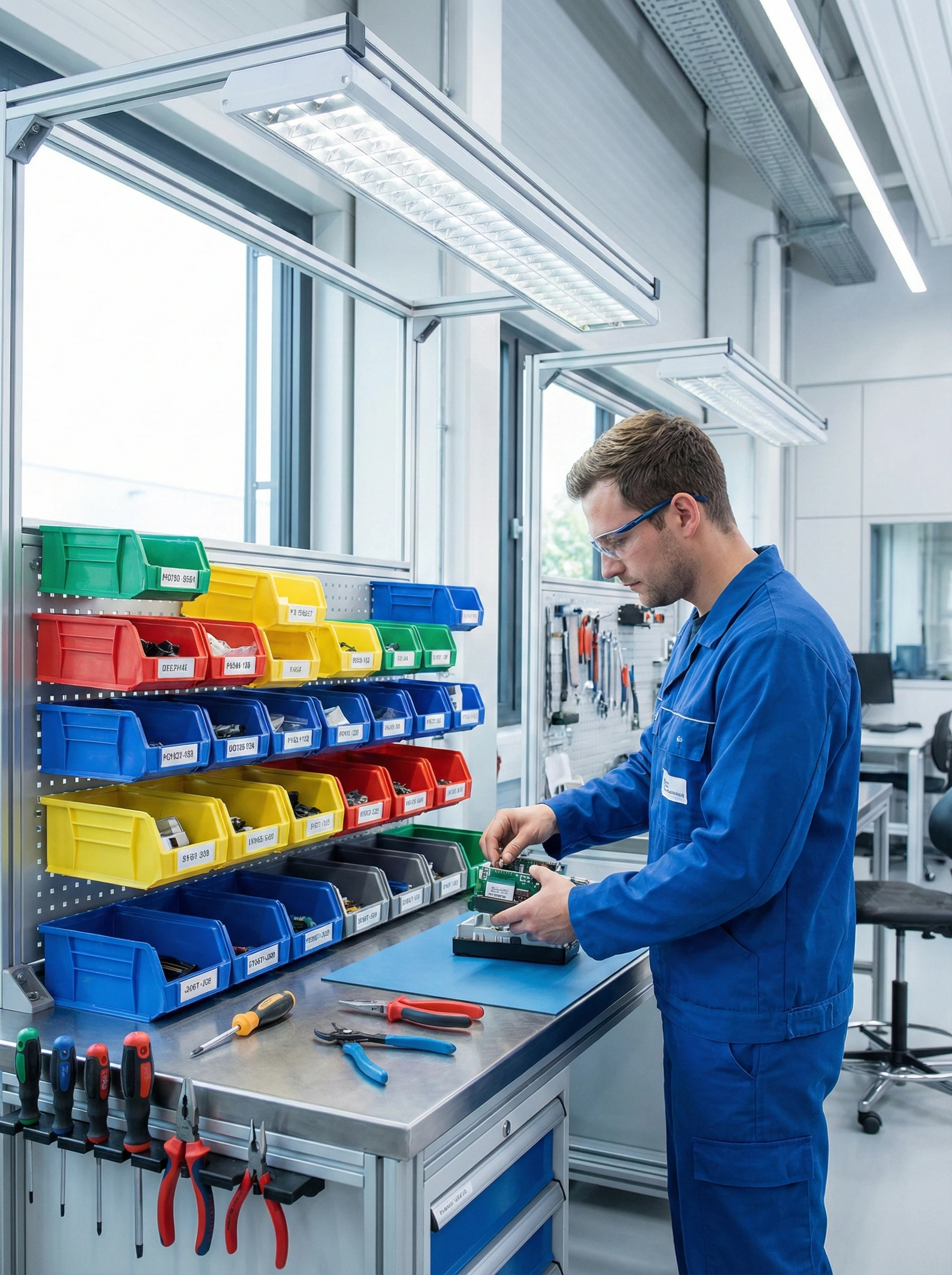
Managing kit assembly manually creates bottlenecks that ripple through your entire operation. Components get misplaced, BOMs become outdated, and workers waste time hunting for parts instead of building kits.
These inefficiencies directly impact your bottom line. Incomplete kits ship to customers, returns increase, and your team spends hours reconciling inventory discrepancies instead of fulfilling orders.
Consider a promotional bundle with ten components from different warehouse zones. Without systematic tracking, one missing item delays the entire shipment and damages customer relationships.
The Solution
Automated Assembly That Scales With You
Logimax Assembly & Kit Building software automates component tracking, workflow sequencing, and inventory allocation. Define simple kits or complex multi-level assemblies with configurable rules that match your exact specifications.
Real-time visibility into every assembly stage eliminates guesswork. Your team knows exactly which components are available, which kits are in progress, and which orders are ready to ship.
Warehouses using Logimax complete kit assembly faster with fewer errors. Accurate inventory, streamlined workflows, and automated quality checks mean customers receive complete orders on time.
Powerful Kit Building Capabilities
Everything you need to manage assembly operations from simple bundles to complex configurations.

Multi-Level Assembly Management
Build complex kits with nested sub-assemblies and component hierarchies. Define parent-child relationships, manage dependencies, and maintain accurate BOMs across unlimited assembly levels.
Real-Time Component Tracking
Monitor every component’s location, status, and availability instantly. Eliminate stockouts during assembly by tracking inventory levels and automatically flagging shortages before they delay production.
Customizable Kitting Workflows
Configure assembly rules, sequencing, and validations that match your unique processes. Adapt workflows for different product types, customer requirements, or seasonal demands without custom development.
Integrated Quality Control
Build quality checkpoints directly into assembly workflows. Track inspections, capture validation data, and ensure every kit meets specifications before moving to the next stage.

Dynamic Inventory Allocation
Automatically reserve and allocate components to specific assembly orders. Prevent inventory conflicts between kitting operations and standard fulfillment with intelligent allocation rules.

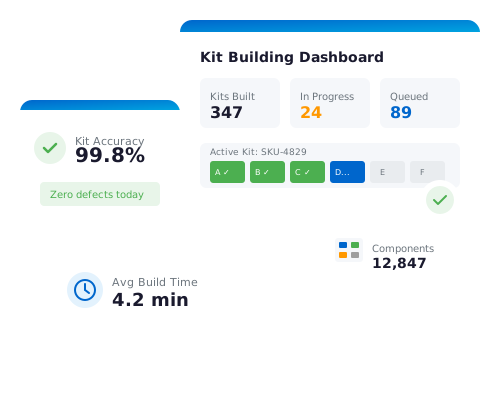
Assembly Progress Dashboards
Visualize kit building status across your operation in real time. Identify bottlenecks, track worker productivity, and make data-driven decisions to optimize assembly throughput.
Frequently Asked Questions
Common questions about assembly and kit building
How does Logimax handle kits with variable components or substitutions?
Can we track component-level lot numbers and serial numbers in assembled kits?
What happens when a component is out of stock during kit assembly?
Transform Your Kit Assembly Operations Today
See how Logimax streamlines assembly workflows and reduces errors. Schedule a personalized demo with our warehouse management experts.