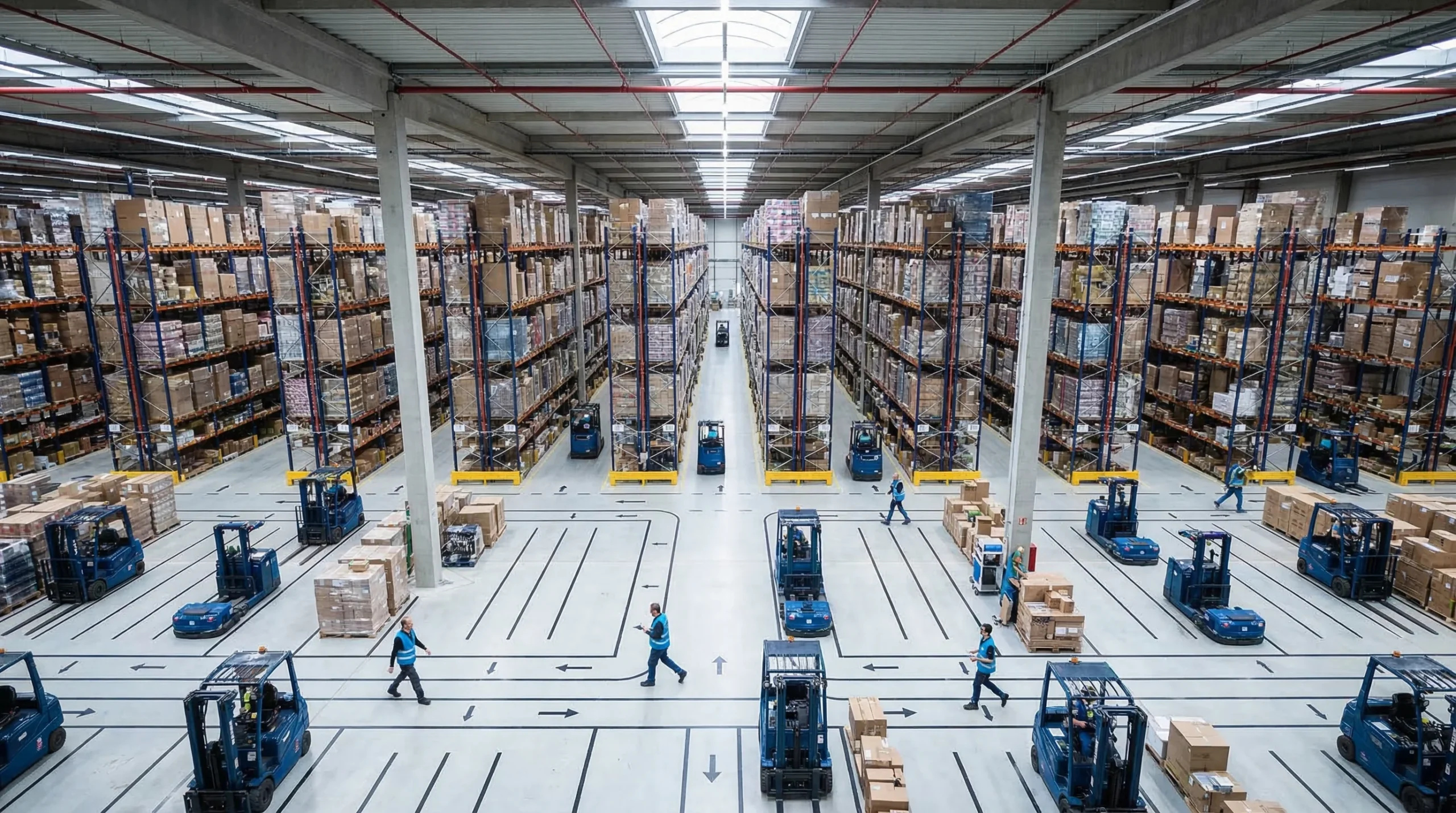
Selecting the right warehouse barcode system can dramatically improve the accuracy and efficiency of your inventory management. This guide answers your questions on this transformative technology – how it works, what to consider, and how to integrate it effectively into your operations. Let’s dive straight into what a warehouse barcode system can do for you.
Key Takeaways
- Barcodes provide a unique, efficient way to track inventory through various types and formats, chosen based on the specific needs and operations of the warehouse.
- Implementing a barcode system increases operational efficiency, accuracy in inventory management, and cost savings by reducing manual errors and streamlining processes.
- To maintain the effectiveness of a barcode system, proper planning, regular audits, staff training, and maintenance are crucial, ensuring long-term success and scalability to accommodate business growth.
Smarter Warehouse Management Starts Here
Logimax WMS delivers real-time visibility, automated workflows, and seamless ERP integration for warehouses of every size.
Request a Demo
Understanding the Essentials of Warehouse Barcode Systems
A barcode is more than just a collection of lines and spaces. It’s a powerful tool that encapsulates vital information about the product it’s attached to. From the moment goods arrive at your warehouse to the second they’re shipped out, barcodes provide a reliable way to track them, increasing visibility within your supply chain.
But not all barcodes are created equal. The two most common types used in warehouses are 1D and 2D barcodes. Each has its unique characteristics and uses. The key is to select the right barcode, scanner, and software solution that fits your operational requirements.
Understanding Barcode Basics
Think of a barcode as a unique identifier, like a fingerprint. Each item in your warehouse gets its own unique barcode number, which plays a crucial role in accurate identification and inventory management. But how does this number translation happen? Let’s break it down.
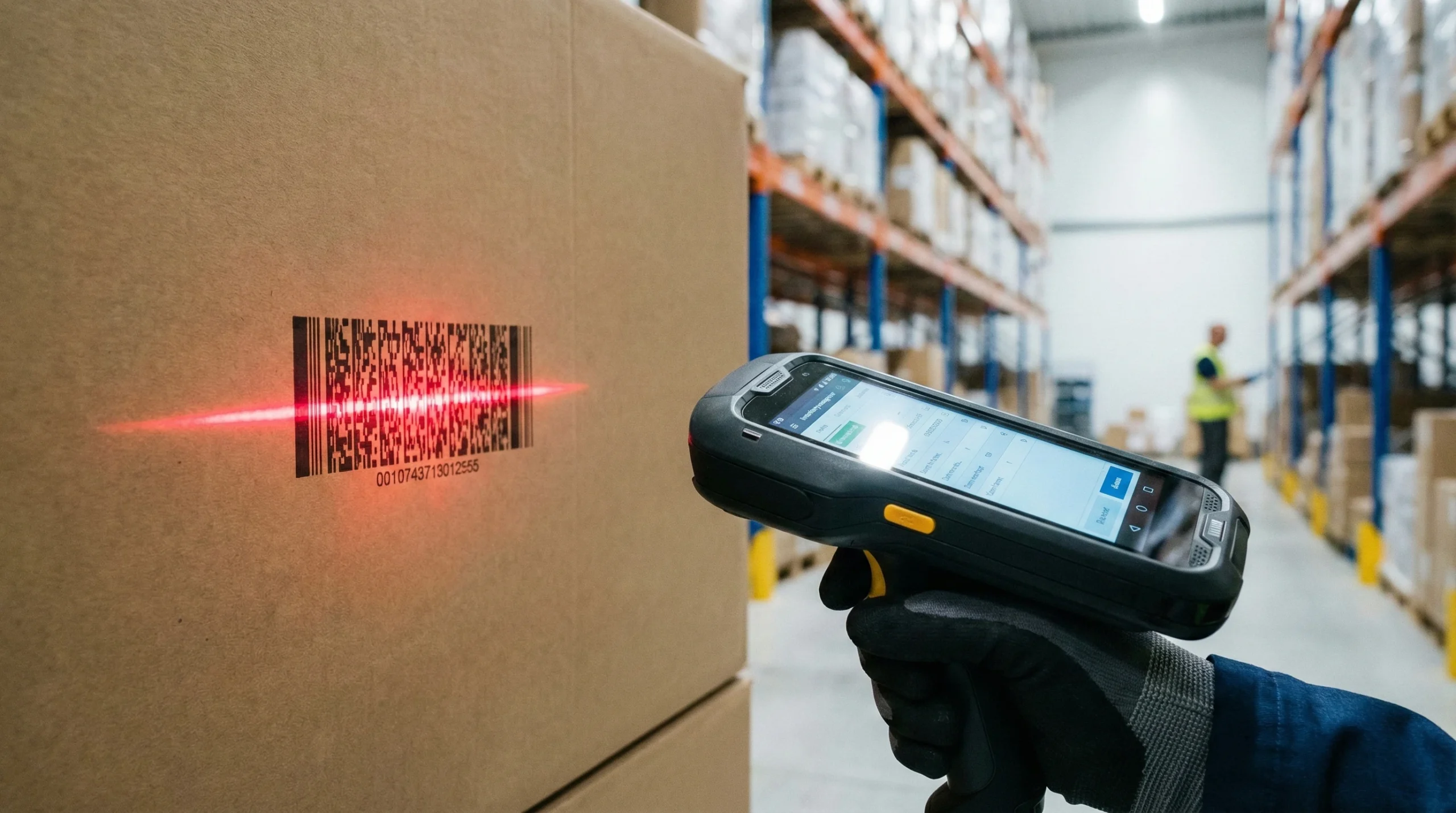
1D barcodes, for instance, consist of vertical black and white bars of varying widths. These work like a special language, encoding information such as numerical and occasionally alphanumeric data. When a barcode scanner reads these bars, it deciphers the encoded data, translating it into a unique identifier.

Selecting the Right Barcode for Your Needs
Now that we’ve gotten a handle on the basics, let’s talk about the different types of barcodes. You have 1D barcodes, like UPC and Code 39, which use varying widths of vertical lines to represent data. Then there are 2D barcodes, like QR codes, which use a grid of black and white cells to encode information.
While 1D barcodes are straightforward and practical, 2D barcodes take it up a notch. They can store complex data like URLs, text files, and even images. This expands their utility beyond just inventory tracking to things like product information and marketing. The choice between 1D and 2D ultimately depends on your warehouse needs and the types of inventory items you handle.
The Role of Scanners and Readers
Of course, a barcode is only as good as the scanner reading it. Choosing the right barcode scanner is not just about ensuring compatibility with your selected software solution, but also about aligning with your budget constraints.
After all, a barcode system should not only be efficient but also cost-effective, contributing to the overall cost-efficiency of your warehouse operations.
Elevating Efficiency: Benefits of a Warehouse Barcode System
So, why go through all the trouble of implementing a warehouse barcode system? Well, for starters, it boosts the efficiency of your operations. A barcode system significantly improves warehouse performance by providing real-time tracking of inventory volume and location. Think about it: no more wild goose chases in the warehouse trying to locate a specific item.
Beyond that, a barcode system optimizes your warehouse operations and inventory management processes by:
- Speeding up inventory counts.
- Verifying order requirements.
- Streamlining the pick and put-away processes.
- Minimizing potential errors.
- Improving customer satisfaction.
Simply put, a barcode system can transform your warehouse operations by efficiently utilizing warehouse barcodes.
Boosting Inventory Accuracy
One of the most significant advantages of a barcode system is its ability to boost inventory accuracy. By minimizing the risk of manual errors through quick and easy product scans, it ensures that your records are as accurate as possible. This is particularly useful during inventory audits and consistency checks, where quick and precise stock auditing is essential.
But it goes beyond just inventory counts. An inventory management system with a barcode system enables:
- Semi-automated cycle counts.
- The transfer of inventory within and outside the warehouse, further improving accuracy in asset management.
- Encoding extensive details about assets such as maintenance records and usage patterns, aiding in managing asset lifecycles and identifying where errors or losses occur.
Of course, all this requires properly educating your employees on scanning procedures and system use to minimize lost items.
Streamlining Warehouse Operations
A barcode system is like a well-oiled machine that keeps your warehouse operations running smoothly. By assisting in the efficient organization and location tracking of inventory within a warehouse, barcode scanners play a crucial role in streamlining operations.
A barcode system offers several benefits for warehouses, including:
- Facilitating simultaneous shipping, receiving, replenishment, picking, and packing activities by providing unique identifiers for racks, containers, or items.
- Enhancing the precision of inventory tracking.
- Speeding up operations, from receiving goods to their dispatch.
- Making the warehouse more organized, less time-consuming, and cost-effective.
Cutting Operational Costs
Now, let’s talk numbers. Implementing a barcode system can lead to a significant reduction in operational costs. How? By automating inventory management, it speeds up order processing, reducing the need for extensive manual labor.
But the savings don’t stop there. A barcode system offers several benefits, including:
- Minimizing human error in inventory tracking, increasing overall accuracy.
- Reducing costly mistakes and wasted time.
- Providing substantial long-term savings.
A barcode system is not just an investment in technology – it’s an investment in your bottom line.
Step-by-Step Guide to Implementing Your Warehouse Barcode System
You’re probably thinking, “This all sounds great, but how do I get started?” Don’t worry; we’ve got you covered. Implementing a barcode system is like building a house. It requires careful planning, the right tools, and a clear blueprint to follow.
First, you need to create an initial barcode plan tailored to your warehouse operations’ specific needs. This includes considering the layout of your warehouse, selecting appropriate hardware and software, and developing strategies for label printing and placement. Then, you’ll need to purchase label printers, warehouse barcode scanners, and inventory management software such as a Warehouse Management System (WMS).
Planning and Layout Considerations
Let’s start with the planning phase. A review of your warehouse’s current layout is essential. You want to ensure that the new barcode system will align with the overall warehouse architecture and operations. This means integrating your barcode system design seamlessly with your hardware and software choices, as well as your label types, to support inventory management procedures and warehouse structure.
Remember, barcodes should be strategically placed to facilitate efficient item tracking and stock placement, enhancing warehouse layout optimization. Also, assessing the types of goods and their movement frequency within the warehouse can guide the creation of an effective barcode system tailored to your warehouse’s specific needs, ensuring each item has a storage location assigned.
Hardware and Software Selection
Once you’ve got your plans and layout figured out, it’s time to select your hardware and software. Your options for barcode scanning hardware can include devices attached to computers, mobile-attached, or wireless devices. The choice should be based on your scanning needs and warehouse environment.
Remember, when selecting barcode system components, it’s important to choose ergonomic and versatile tools that meet the physical and inventory demands of the warehouse. To effectively read labels’ data in a barcode system, hardware such as label printers and barcode scanners is necessary, along with compatible asset and inventory management software.
Label Printing and Placement Strategies
Now, let’s talk about labels. When designing barcode labels for your warehouse, you need to consider:
- Target applications.
- The physical environment.
- Locations within the warehouse, including pallet labels.
- Attachment methods.
- The potential need for customization.
Using durable label materials is essential to ensure your barcode labels remain scannable over time and can withstand diverse warehouse environments. And don’t forget about placement. Barcode labels should be strategically placed to be easily scannable, with the positioning standardized throughout the facility to support efficient scanning processes. Additionally, consider the importance of printing labels with high-quality equipment for optimal results.

Training and Maintenance: Ensuring Long-Term Success
Once the barcode system is in place, it’s time to focus on training and maintenance. Training is essential for warehouse staff on the barcode system to ensure smooth and efficient operation. Depending on the complexity of the barcode system, ongoing training may be necessary to keep staff up-to-date.
And don’t forget about maintenance. Ongoing monitoring and periodic audits are necessary to assess barcode quality and scanner performance, thus maintaining system accuracy. Regular system inspection is critical to evaluate the barcode system’s effectiveness and implement necessary improvements.
Empowering Your Team with Knowledge
Training your team is at the heart of a successful barcode system. Employees must be trained on how to effectively scan items both for incoming stock and during dispatch to ensure accuracy in inventory management, reducing the need for manual data entry. Proper training will also enable your team to efficiently track inventory, further enhancing the effectiveness of the barcode system.
After all, a well-trained team is a productive team. With a barcode system, new employees can be trained more efficiently as these systems simplify the product locating and identifying process via quick scanning. It’s all about empowering your team with knowledge and the right tools.
Regular System Audits and Updates
It’s not enough just to implement a barcode system and train your team. You need to regularly review it to ensure that the system remains accurate and efficient. Barcode asset tracking streamlines the auditing process, supporting detailed record-keeping that facilitates compliance with relevant regulations.
It’s all about continuous improvement.
Troubleshooting Common Issues
Even with the best planning and training, issues can arise. Barcodes that are damaged or dirty can lead to difficulties in scanning, which may cause delays in warehouse operations. To prevent such issues, regular maintenance, including cleaning and calibrating scanning equipment, is essential.
Remember, problems are just opportunities in disguise. If you encounter issues, don’t hesitate to seek expertise from barcode system professionals. They can provide valuable insights on proper hardware and software, ensure industry standards compliance, and aid in efficient troubleshooting.
Integrating Barcodes with Warehouse Management Platforms
Now that we’ve covered the basics of implementing a barcode system, let’s take it a step further. Integrating barcode systems with Warehouse Management Systems can:
- Automatically update inventory records.
- Improve data accuracy.
- Improve operational cohesion.
- Provide real-time visibility into inventory levels across multiple warehouses.
- Foster effective stock management.
But the benefits don’t stop at inventory management. Barcodes can provide insights into sales performance and customer purchasing habits, informing marketing efforts and product development. In other words, a barcode system can help not only streamline operations but also drive strategic business decisions.

Adapting to Business Growth: Scalability of Barcode Systems
What about the future? As your business grows, can your barcode system keep up? The good news is, barcode asset tracking systems are:
- Scalable and flexible.
- Capable of adapting to various industries and business operations.
- Support scalability by ensuring inventory management efficiency for businesses both with small and extensive product ranges.
So, whether you’re a small business just starting or a larger enterprise looking to optimize operations, a barcode system is a worthy investment. Early integration of barcode systems in business operations is instrumental in managing inventory growth and avoiding significant growing pains. It’s all about adaptation and growth.
Advantages of Wireless Barcode Scanners for Inventory Management
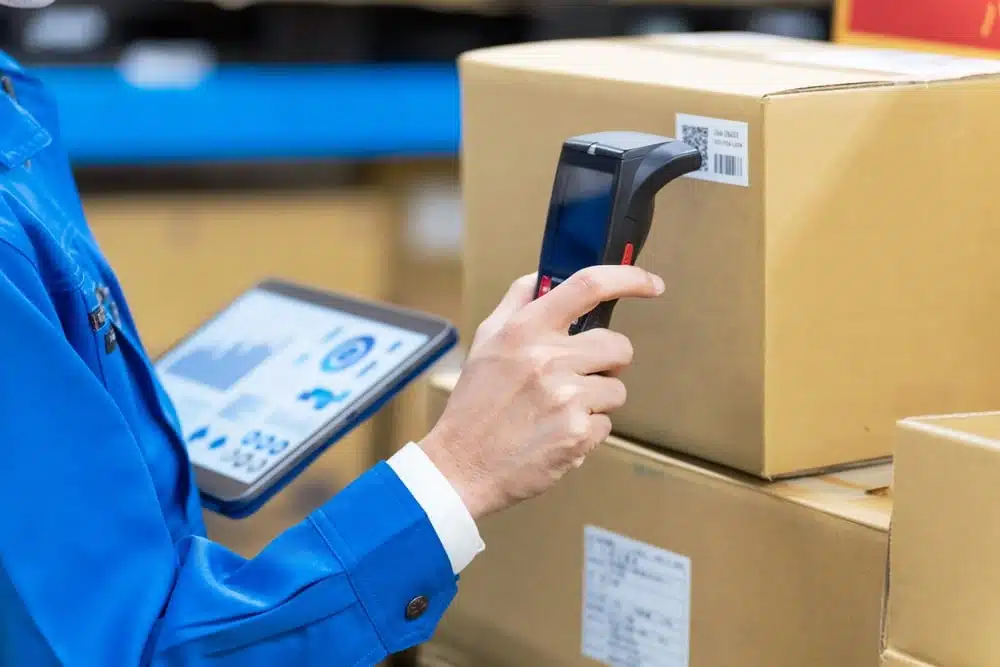
A wireless barcode scanner for inventory operations removes physical constraints that limit productivity. Without cables tethering workers to fixed stations, your team gains freedom to move through aisles, climb ladders, and manage tight spaces while maintaining connectivity to your inventory system.
Benefits of Going Wireless
The shift from wired to wireless scanning delivers measurable operational improvements:
Increased Mobility
Workers carrying wireless scanners can travel anywhere within your facility without interruption. They can scan items at receiving docks, verify locations deep in racking systems, and confirm shipments at loading bays using the same device. This mobility eliminates the need for multiple fixed scanning stations throughout your warehouse.
Faster Task Completion
Cable-free operation removes steps from common workflows. Workers do not need to position themselves near wall-mounted units or manage cable length while moving through aisles. These seconds saved on each scan compound into significant time savings across shifts and seasons.
Reduced Tripping Hazards
Cables stretched across warehouse floors create safety risks. Workers focused on tasks may not notice cables and can trip, potentially injuring themselves or damaging equipment and inventory. Wireless systems eliminate these hazards entirely.
Lower Maintenance Costs
Cable connectors are points of failure. Repeated plugging and unplugging wears connectors, and cables themselves suffer damage from being pulled, rolled over, or caught on equipment. Wireless devices avoid these failure modes, reducing replacement costs and downtime.
Flexibility for Changing Operations
Warehouse layouts evolve as business needs change. Relocating wired scanning stations requires running new cables and potentially hiring electricians. Wireless systems adapt immediately to new configurations; simply ensure WiFi coverage extends to new areas.
Case Studies of Successful Implementations
Real-world implementations demonstrate the practical value of wireless scanning technology:
Regional Distribution Center Transformation
A mid-sized distribution center handling consumer electronics faced chronic picking errors and slow order fulfillment. Workers used paper-based pick lists and returned to central stations to record completions. After implementing wireless scanners integrated with their warehouse management system, picking accuracy improved from 94% to 99.2%. Order processing time decreased by 35% as workers received real-time picking instructions on their devices.
Cold Storage Facility Upgrade
A frozen food distributor struggled with equipment failures in their -20°F storage areas. Standard consumer devices failed within weeks, and wired connections limited how quickly workers could complete tasks before returning to normal temperatures. They deployed industrial wireless scanners rated for extreme cold, with extended battery packs that maintained performance in freezing conditions. Equipment failures dropped dramatically, and workers completed picks faster with unrestricted movement.
Third-Party Logistics Provider Scaling
A 3PL provider managing inventory for multiple clients needed flexibility to handle varying product types and client requirements. Wireless mobile computers allowed them to configure different scanning workflows for different clients without hardware changes. When onboarding new clients, they simply updated software configurations rather than purchasing new equipment or redesigning workstations.
These examples highlight that wireless technology delivers returns beyond simple convenience. The combination of mobility, reliability, and flexibility creates compounding operational improvements.
Integrating Barcode Systems with Existing Inventory Solutions
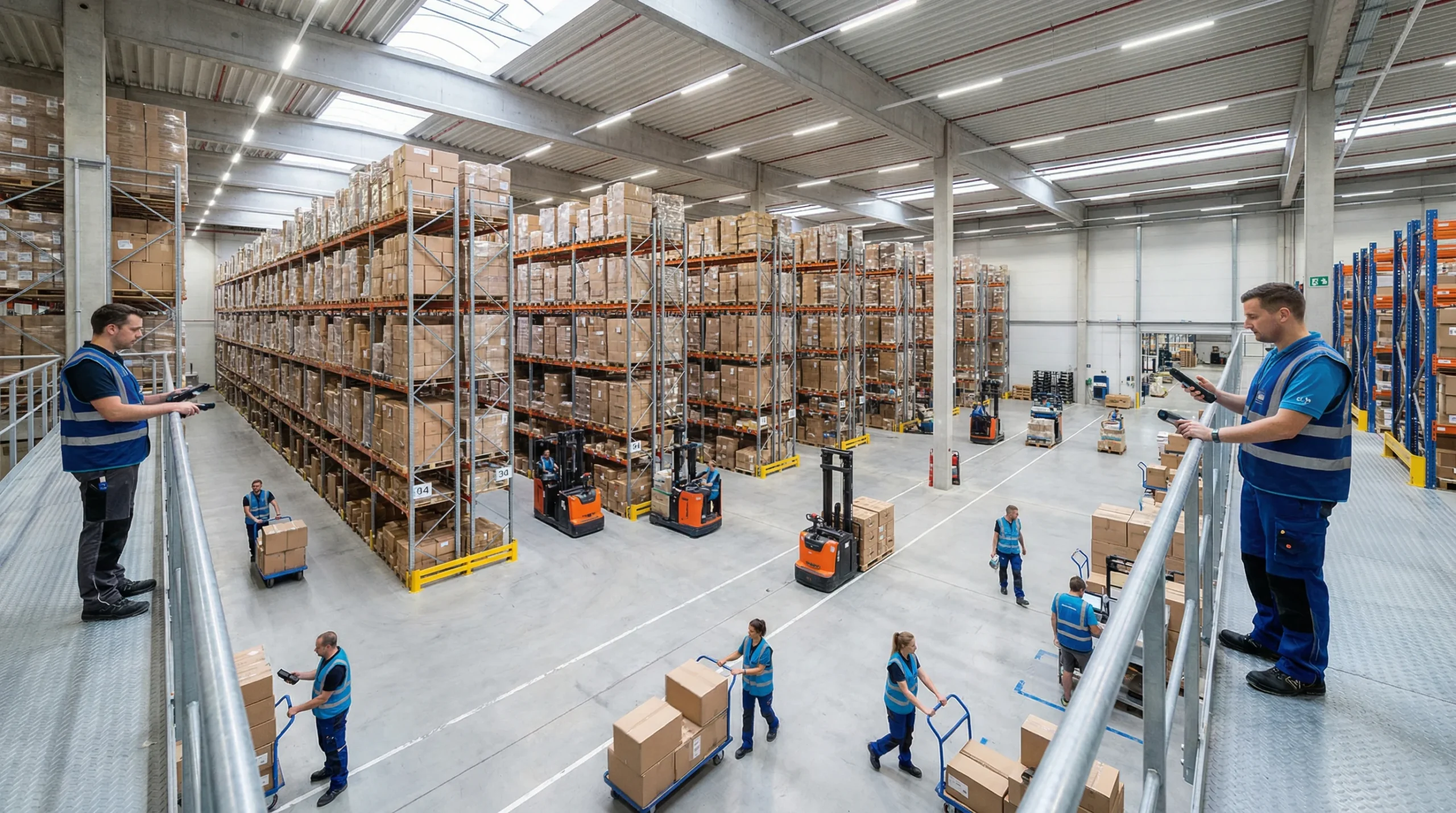
Purchasing excellent hardware means little if it does not communicate effectively with your inventory management system. Integration connects scanned data with business processes, enabling real-time updates, accurate reporting, and automated workflows. Successful integration requires planning, testing, and often professional assistance.
Steps for Successful Integration
Follow this structured approach to connect your barcode scanning system for inventory with existing software:
Step 1: Audit Current Systems
Document your existing technology stack before introducing new equipment. Identify your warehouse management system, enterprise resource planning software, and any other applications that touch inventory data. Note version numbers, API capabilities, and any customizations that may affect integration.
Step 2: Define Data Requirements
Determine exactly what information needs to flow between systems. At minimum, you will need item identification data from scans to update inventory records. More sophisticated implementations may require location data, timestamp records, worker identification, and batch or serial numbers. Define data formats and validation rules before beginning technical work.
Step 3: Evaluate Integration Methods
Several approaches connect scanning hardware with software systems:
- Direct API integration: Modern systems often provide application programming interfaces that allow real-time data exchange. This method offers the most flexibility but requires development resources.
- Middleware solutions: Intermediary software translates between different systems, useful when direct integration is not possible or practical.
- File-based exchange: Systems export and import data files at scheduled intervals. This approach is simpler but introduces delays and potential sync issues.
- Native integration: Some scanner manufacturers and WMS providers have pre-built connections that require minimal configuration.
Step 4: Build and Test
Develop integration connections in a test environment before deploying to production. Create test cases covering normal operations, edge cases, and error conditions. Verify that scanned data appears correctly in your inventory system and that updates flow back to mobile devices as expected.
Step 5: Train and Deploy
Train workers on new workflows before going live. Even experienced staff need guidance when processes change. Start with a limited pilot group to identify issues before full rollout, then expand deployment based on lessons learned.
Working with experienced partners like Logimax can accelerate integration timelines and reduce risk. Professional implementation teams have encountered common challenges and know how to address them efficiently.
Common Challenges and Solutions
Integration projects frequently encounter predictable obstacles. Knowing these in advance helps you prepare solutions:
Challenge: Legacy System Limitations
Older inventory systems may lack modern integration capabilities. APIs may be poorly documented or entirely absent. Solutions include middleware that bridges technology gaps, scheduled batch updates as an interim measure, or system upgrades when legacy limitations become too restrictive.
Challenge: Data Format Mismatches
Different systems may expect data in incompatible formats. One system might use 12-digit item codes while another uses alphanumeric identifiers. Build translation layers that convert data between formats, and establish data governance policies that maintain consistency across systems.
Challenge: Network Reliability
Wireless scanners depend on network connectivity. Dead zones in warehouses create frustrating interruptions. Conduct site surveys to identify coverage gaps before deployment, and consider scanners with store-and-forward capabilities that cache data during connectivity lapses and transmit when connections restore.
Challenge: Worker Resistance
New technology can face pushback from experienced workers comfortable with existing methods. Address concerns through involvement in planning, thorough training, and demonstrating how new systems make jobs easier rather than adding burden. Celebrate early wins to build momentum.
Challenge: Ongoing Maintenance
Integration is not a one-time project. Software updates, hardware replacements, and changing business requirements require ongoing attention. Establish clear ownership for integration maintenance and allocate resources for continuous improvement.
Future Trends and Innovations in Barcode Technology
Barcode technology continues advancing, with new capabilities emerging that promise even greater efficiency and accuracy. Understanding these trends helps you make investment decisions that position your warehouse for future success.
Emerging Technologies
Several innovations are reshaping inventory management:
RFID Integration
Radio Frequency Identification technology complements traditional barcoding by enabling read operations without direct line of sight. RFID readers can scan multiple tags simultaneously, making inventory counts faster. As RFID Journal notes, costs have decreased while capabilities have expanded, making RFID practical for more applications.
Many warehouses adopt hybrid approaches, using barcodes for item-level tracking and RFID for case-level or pallet-level operations. This combination balances cost and capability effectively.
Computer Vision and AI
Advanced image processing can now read multiple barcodes simultaneously, identify products without barcodes through visual recognition, and detect damaged items or packaging errors. Machine learning improves accuracy over time as systems process more images. These capabilities enable automated verification at packing stations and more efficient cycle counting.
IoT Connectivity
Internet of Things sensors add context to barcode data. Temperature sensors confirm cold chain compliance, motion sensors detect when items are moved, and location beacons track assets throughout facilities. Combining barcode identification with sensor data creates comprehensive item histories useful for compliance, quality control, and optimization.
Augmented Reality
AR-enabled devices overlay digital information on physical environments. Workers wearing AR glasses see visual cues guiding them to pick locations, confirming correct items, and indicating next steps without looking at handheld screens. Integrated barcode scanning in AR glasses further reduces handling time and improves accuracy.
Smartphone-Based Scanning
Consumer smartphone cameras have become capable barcode readers. While industrial environments often require more durable devices, smartphone scanning offers flexibility for overflow situations, temporary workers, or applications where dedicated hardware is impractical. Software development kits make it increasingly easy to incorporate scanning into custom applications.
The Future of Inventory Management
Looking ahead, several trends will shape how warehouses operate:
Autonomous Operations
Robots equipped with scanning capabilities are beginning to handle inventory tasks independently. Autonomous mobile robots can perform cycle counts, move items between locations, and verify shipments with minimal human intervention. Barcode and RFID technology enables these robots to identify and interact with inventory accurately.
Predictive Analytics
Data captured through scanning creates valuable datasets for analytics. Machine learning algorithms can predict demand patterns, optimize storage locations, and identify potential issues before they cause problems. Real-time scanning data feeds these predictions, making them more accurate and actionable.
Sustainability Tracking
Consumers and regulators increasingly demand visibility into product origins and environmental impact. Extended barcode data and blockchain integration can track sustainability metrics throughout supply chains. Warehouses will play key roles in capturing and verifying this information.
Personalized Fulfillment
E-commerce growth drives demand for customized orders and same-day delivery. Barcode systems must support increasingly complex fulfillment operations with kitting, bundling, and special handling requirements. Flexible scanning solutions that adapt to changing workflows will become essential.
Preparing for these trends does not require immediate investment in experimental technology. Instead, focus on building strong foundations: reliable data capture, effective integration, and scalable infrastructure. These fundamentals position your operation to adopt innovations as they mature.
Elevate Your Warehouse Barcode System with Logimax
In the quest to enhance inventory accuracy and operational efficiency through barcode systems, Logimax emerges as a powerful ally. Our cloud-based Warehouse Management Software is engineered to perfectly complement and leverage the capabilities of barcode technology, transforming the way warehouses operate.
Key Benefits of Integrating Logimax with Your Barcode System:
- Seamless Barcode Integration: Logimax effortlessly integrates with your existing barcode system, enhancing data collection and inventory tracking in real-time.
- Precision and Efficiency: By combining the robust inventory management features of Logimax with barcode accuracy, warehouses can achieve unparalleled efficiency and precision in operations.
- Industry-Specific Adaptability: Whether you’re managing a 3PL, retail, manufacturing, or cold storage facility, Logimax enhances barcode system functionality to meet the unique challenges of each sector.
- Operational Insight: With comprehensive reporting and real-time data, make informed decisions that boost productivity and reduce errors.
Empower Your Warehouse with Logimax
Integrating Logimax with your barcode system not only streamlines operations but also unlocks new levels of operational insight and efficiency. Ready to transform your warehouse management with a solution that understands the importance of every scan? Discover how Logimax can amplify the benefits of your warehouse barcode system today.
Summary
In this comprehensive guide to implementing a warehouse barcode system, we’ve explored the essential steps and considerations for choosing and integrating barcode technology into your operations. From understanding the basics of barcode systems, including the differences between 1D and 2D barcodes, to selecting the right scanners and software, we’ve covered what you need to know to make informed decisions that enhance your warehouse’s efficiency and accuracy.
Key takeaways include the importance of planning, regular audits, staff training, and maintenance to ensure the long-term success of your barcode system. We’ve also highlighted how such systems can significantly improve operational efficiency, inventory accuracy, and overall cost savings by streamlining processes and reducing manual errors.
Integrating a Warehouse Management System like Logimax with your barcode system can further amplify these benefits. Logimax offers seamless barcode integration, real-time data collection, and industry-specific solutions that cater to your unique operational needs. By leveraging Logimax alongside your barcode system, you can achieve even greater precision, efficiency, and insight into your warehouse operations.
Streamline Your Inventory with Logimax
Ready to elevate your warehouse’s operational efficiency and inventory accuracy? Discover how Logimax can complement and enhance your warehouse barcode system. Contact us to learn more about our innovative solutions and schedule a demo today. With Logimax, you’re not just installing a barcode system; you’re transforming your warehouse management for the better.
Frequently Asked Questions
How does a barcode inventory system work?
A barcode inventory system works by using barcodes printed on labels to track products, allowing for quick scanning with a reader or smartphone. This provides real-time visibility into the location and quantity of each item.
How do I create a barcode tracking system?
To create a barcode tracking system, first decide on the type of barcode you’ll use (like UPC or QR codes), then purchase or generate barcodes for each item in your inventory, and finally choose a barcode scanning device or app to read these codes. Following these steps will help you establish an efficient barcode tracking system for your inventory.
What is the best barcode for a warehouse?
The most common barcode for a warehouse is the 1D barcode, which is widely used for product labeling and marking locations and bins. It is a visual representation of information that can be read and decoded mechanically.
What are the benefits of implementing a barcode system in my warehouse?
Implementing a barcode system in your warehouse can improve inventory accuracy, streamline operations, and reduce costs. It also allows for real-time inventory tracking and facilitates scalability as your business grows.
What hardware and software do I need for a barcode system?
To set up a barcode system, you’ll need label printers, warehouse barcode scanners, and inventory management software like a Warehouse Management System (WMS). Choose hardware and software based on your scanning needs and warehouse environment.